
Pro Cloud Server Licensing
After installation of the Pro Cloud Server you have to request a License certificate based on your machine id.
These easy steps are:
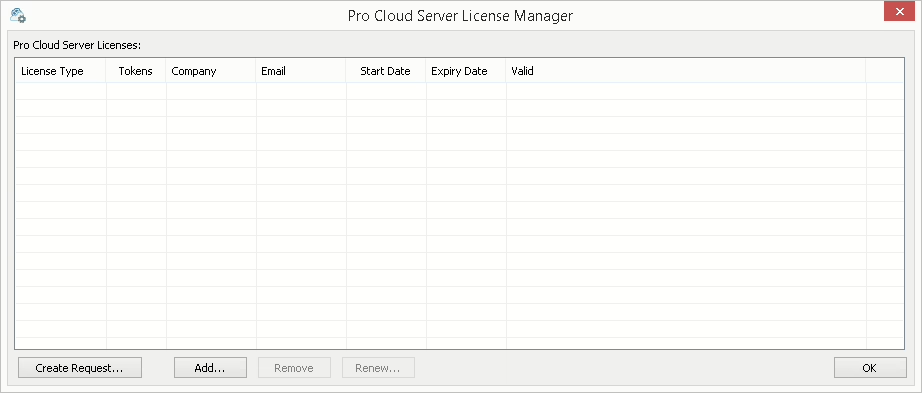
The Create Request button is permanently visible on the Pro Cloud Server License Manager screen. Selecting this button will display the New License Request screen, which allows you to create a new Pro Cloud Server License request.
Click the button to create a new ‘License Request’, fill in as many details as possible (these will be used by the Sparx Systems Sales Team to match your Pro Cloud Server license purchase). Once finished, save the license request file.
Note: Ensure the license request was generated on the machine that is going to host the Pro Cloud Server, as the license is bound to the host machine. (Enter the Key provided in the license mail)
Please use this link and add the PCS request file into this Mail. Please also include the PCS key that you used for the request to identify your customer data. You will receive the License certificate on the next Business day.